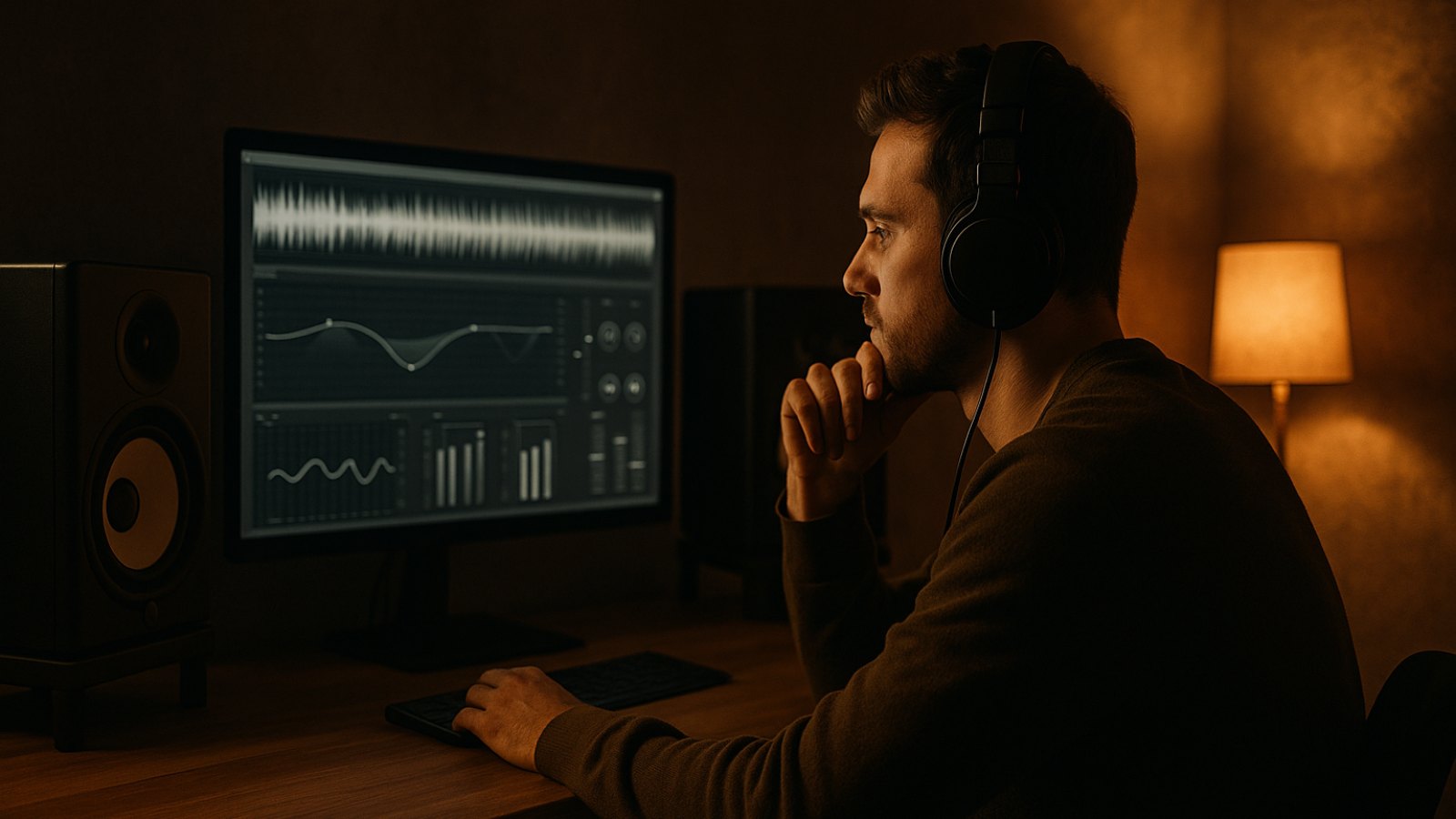
A good mix is the foundation of a good master. Music mastering isn’t about covering up every weakness with more plugins. It’s about balancing the song, fixing technical issues, and preparing it for release. Small decisions can quickly affect the sound for the worse. Here are seven common mistakes—and simple ways to avoid them.
1. Mastering an unfinished mix
If the vocals, bass, or kick don’t work together in the mix, mastering usually can’t properly fix the underlying issue. A limiter won’t automatically make an unbalanced mix clearer; it may actually make certain problems more noticeable. It’s also best to fix distracting resonances, harsh sibilance, or an overloaded low end in the mix.
How to avoid it: Listen to your mix quietly and on different playback systems first. If an important element only works at high volume, the balance probably needs more work. Make the necessary changes in the mix instead of piling on more fixes during mastering.
2. Over-limiting and chasing loudness
In a quick A/B comparison, a master can seem more impressive simply because it’s louder. But heavy limiting can squash transients, make the groove feel less lively, and introduce distortion or pumping. The kick and snare can lose their punch in particular.
How to avoid it: Compare the processed and unprocessed versions at roughly the same perceived loudness. Don’t keep turning things up just because a reference track sounds louder. Streaming services may normalize playback volume, so there’s no single LUFS value that’s necessarily right for every song and release. What matters is that your master sounds clean and suits the style.
3. Overcorrecting with EQ
A broad EQ adjustment can change the overall character of a song. Too much high-end boost can quickly make vocals and hi-hats sound harsh, while an exaggerated bass boost can mask detail on small speakers. This often happens when you judge a sound in isolation or react to the quirks of a particular playback system.
How to avoid it: Make small adjustments and check after each one whether the song really sounds better as a whole. Keep levels matched when A/B testing. If you feel you need to make a major adjustment, consider whether the issue would be better fixed in the mix. An analyzer can offer useful clues, but it can’t replace listening.
4. Overdoing the stereo width
Stereo enhancers can initially make a track seem bigger. But too much width can thin out the center or make elements sound quieter and less stable in mono. This can affect playback on mobile devices, some speakers, and any system where the two channels are summed together.
How to avoid it: Check mono compatibility regularly—not just at the end. Pay special attention to the kick, bass, and lead vocal: they should remain present in mono. Widen specific elements instead of spreading the whole mix as far as possible, and check the sound on both headphones and speakers.
5. Listening on just one system
Headphones can reveal detail and stereo effects clearly, but they may present bass and spatial depth differently from speakers. An untreated room, meanwhile, can overemphasize or understate certain frequencies. If you make decisions using only one monitoring setup, you risk building its quirks into your master.
How to avoid it: Use several playback systems you know well, such as studio monitors, headphones, and a small speaker. Listen at a low volume, too. Reference tracks in a similar genre can help you judge tonal balance, bass, and dynamics. Compare them at roughly the same listening level whenever possible.
6. Ignoring true peaks and lossy formats
A digital signal can produce peaks between samples when converted to a compressed format such as MP3 or AAC. A master that’s already very close to the digital ceiling may distort during playback as a result. You might not notice this in the WAV export.
How to avoid it: Check the true-peak reading on your limiter or metering tool, and leave some headroom if needed. Around -1 dBTP is a common starting point, but it isn’t a universal rule. Listen to a compressed preview if you’re delivering these formats. Also avoid clipping in your mastering chain—a limiter shouldn’t be used to disguise a file that’s already distorted.
7. Not checking the export carefully
A great master won’t do much good if you send the wrong file to your distributor. Common mistakes include accidentally exporting an MP3 instead of a WAV, choosing the wrong sample rate, cutting off the tail, or leaving a click at the beginning. An unsuitable bit depth can also cause unnecessary issues.
How to avoid it: Export according to your distributor’s or platform’s specifications. For many release workflows, a 24-bit WAV is a practical choice; the sample rate should match the project and the requirements. Don’t convert between sample rates multiple times without a good reason. Dither matters when reducing bit depth, such as when converting to 16-bit—it isn’t a required step for every export. Then open the finished file and listen through the beginning, ending, and transitions.
Conclusion
Good music mastering comes down to careful listening, sound decisions, and thorough quality control—not using as many plugins as possible or chasing maximum loudness. Once your mix is ready, upload it to TrackDropPro, listen to a free preview, and get a mastered WAV and MP3 if you’re happy with the result. Pay per master with credits—no subscription. Give it a try with your next track.
 Deutsch
 Türkçe
 Italiano